Statistics
This section is only available for organization admins. It shows how members of your organization are using QAnswer over time.
Active users
The Active users card, the last of the overview cards at the top of the page, shows how many members of your organization use QAnswer: each distinct member who signed in, or used chat, search or report generation, during the selected period is counted once. Hover the ⓘ icon at the top right of the card for a reminder of what it counts.

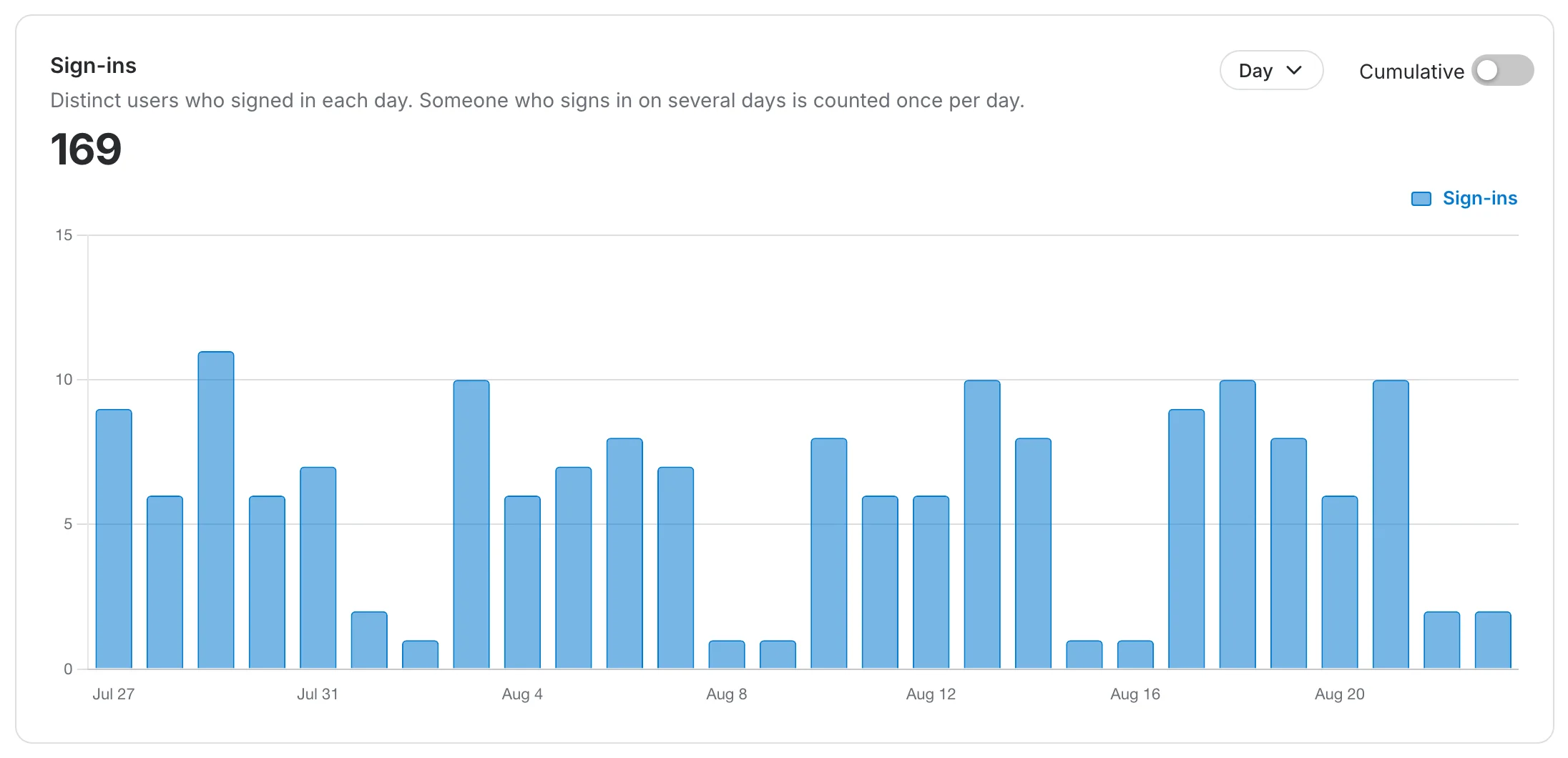
Sign-ins
The Sign-ins chart counts, for each day, the distinct members who signed in with a password or through OAuth. Someone who signs in on several days is counted once per day, so the total for the period counts that person again on each of those days.
Use the date range at the top right of the page to change the period every card and chart covers. Clearing it reports all recorded history.
By default the chart shows the number of sign-ins per period as bars. Toggle Cumulative to instead show the number of distinct users who have signed in since the start of the period, with each person counted once.